

Registering with an online casino usually takes only a few minutes, but confirming your email address is an important step before you can use all account features. For UK players considering Winomania, email verification helps connect the account to a working inbox and gives the casino a reliable way to send account notices. It is distinct from identity checks, payment checks and other Know Your Customer (KYC) procedures, which may be required separately.
This guide explains what to expect from the process, how to troubleshoot a missing message and what to consider before sending personal information. Winomania’s exact screens, timings and requirements can change, so use the instructions shown in your account and check the casino’s current terms. Email confirmation by itself does not establish that a withdrawal request has been approved or that every account verification requirement has been met.
Why email verification matters
A verified address gives the casino a way to contact you about account activity, security alerts, password recovery and service updates. It can also help confirm that you control the contact address entered during registration. This is useful if you need to restore access or contact customer support later.
For players in the UK, a confirmed email address should be one that you can access consistently and keep secure. Avoid using a work or shared inbox if other people could read casino messages. A private address makes it easier to protect login links, reset instructions and account information.
Verification should not be treated as a guarantee of account approval. Online casinos may also ask for identity documents, proof of address or payment ownership, particularly before processing a withdrawal or when required by their compliance procedures. Read the relevant account notices carefully, and do not assume that clicking an email link completes every check.
What the process usually looks like
Enter an address during registration
When creating an account, enter your email address carefully and check for spelling mistakes before submitting the form. A single misplaced character can send the confirmation message to an address you do not control. Use an inbox that is active and accessible from your own device.
Look for a confirmation message
After registration, the casino may send an automated email with a button or link. Open the message and check that it appears to relate to the account you just created. If you are unsure whether a message is genuine, do not follow its link; instead, open the casino through the address you normally use and look for verification instructions in your account.
Follow the on-screen instructions
A confirmation link may take you to a page showing that the email address has been verified, or it may ask you to sign in first. Follow only the instructions relevant to your account. If the link has expired, the account area may offer a way to request another message.
Check your account status
After completing the step, return to the account settings or verification area and check whether the email status has changed. If it still appears unconfirmed, avoid repeatedly clicking old links. Request a fresh email or contact customer support through the casino’s official website.
When the verification email does not arrive
Delivery can take a few minutes, and sometimes automated messages are filtered or delayed. Before contacting support, try these basic checks:
- Look in spam, junk, promotions and other filtered folders.
- Search the inbox for “Winomania” or “verification”.
- Confirm that the address shown in your account is spelled correctly.
- Check whether your inbox is full or has rules that move automated mail.
- Wait briefly, then use the account option to send a new confirmation message.
- Try another browser or device if the verification page does not load properly.
If a message still does not arrive, contact support using a channel listed on the official site. Provide the email address linked to the account and a short description of the problem, but never send your password or full payment-card details. If the address was entered incorrectly, ask support how to correct it; creating a second account to work around the issue may conflict with the casino’s account rules.
Safety and privacy checks
Email is a common route for account recovery, so protect the inbox as carefully as the casino account. Use a unique password and, where available, turn on multi-factor authentication for your email provider. Do not share verification links, one-time codes or password-reset messages with anyone who contacts you unexpectedly.
Check the sender and destination before interacting with a message. A legitimate-looking logo is not proof that an email is genuine. Be cautious of urgent requests to “unlock” an account, claim a prize or provide payment details. If something seems suspicious, access Winomania independently through your saved bookmark or by entering its known web address, then ask support to confirm whether any action is needed.
For UK players, it is also sensible to check the casino’s current terms, privacy information and licensing details before depositing. Email verification is a routine account measure, not evidence on its own that a site is licensed, fair or suitable for you. Set spending limits where available, never gamble with money needed for essentials, and use the relevant support services if gambling stops feeling manageable.
Using Winomania on different devices
Some players access a casino from a computer and others use a phone or tablet. If you switch devices, open the confirmation message from an inbox you control and complete the process in a trusted browser. A verification link may open a different browser from the one where you registered, so you might be asked to sign in again. That is not necessarily a problem, but check that the page is the official casino site before entering login details.
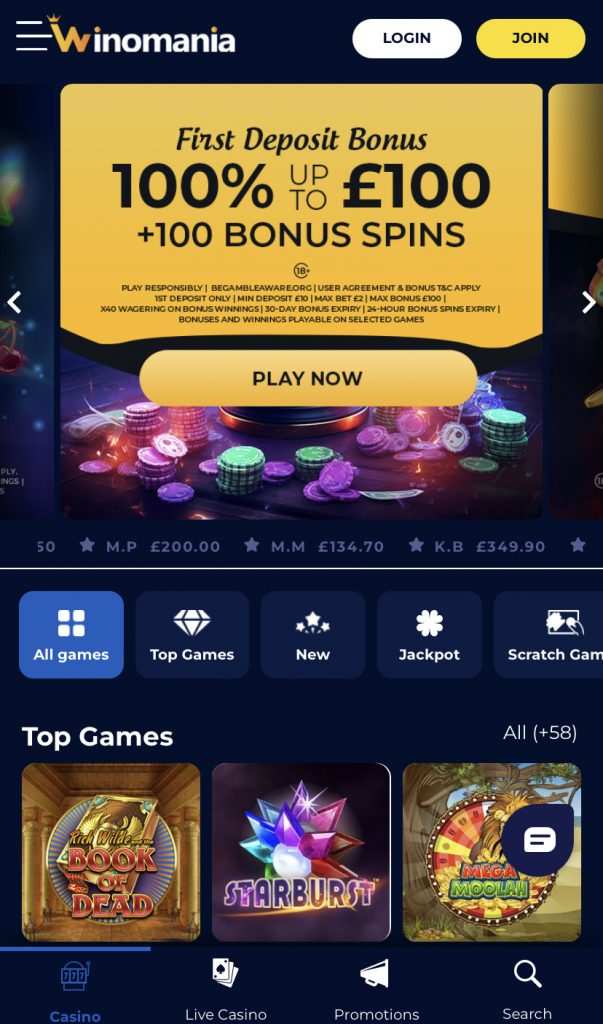
For anyone searching for a cross-device winomania mobile casino experience, email verification is still an account-level step: completing it on a phone should ordinarily be reflected when you later sign in on another device, subject to the site’s current system. Avoid saving account passwords on public or shared devices, and sign out when you have finished.
What email confirmation does not cover
It is helpful to separate email confirmation from other account checks. Verifying an inbox generally confirms access to that address; it does not necessarily confirm a player’s age, identity, residential address, payment method or eligibility to use a particular service. A casino may request additional documents, and the information it asks for should match the account details you provided.
Only submit documents through a secure upload method specified in the account area or by verified support. Do not send sensitive files in response to an unsolicited message. If instructions are unclear, ask support what is required, why it is needed and how the information will be handled. Keep copies of relevant support communications in case you need to follow up.
Questions and answers
How long does Winomania email verification take?
The confirmation step may be immediate once you open a valid link, but delivery time can vary. Check filtered folders and allow a short delay before requesting a new email. If the account still shows an unverified status, contact support.
Can I use the casino before verifying my email?
Access may be limited until you confirm the address, and the exact restrictions depend on the current account rules. Check the message displayed in your account rather than assuming that registration alone is enough to use every feature.
What if I no longer have access to the registered inbox?
Use official support to ask about changing the address. Be ready to complete any reasonable account-security checks. Do not create another account or send identity documents to an address supplied by an unverified third party.
Does email verification guarantee a withdrawal?
No. A confirmed email address is only one possible account check. Withdrawals may be subject to identity, payment, security and account terms, as well as processing times set out by the casino.
Should I click a verification link on my phone?
You can use a phone if it is your own, secure device and the message appears genuine. Check the website address after the link opens. If anything looks wrong, close the page and access the casino directly instead.
Final thoughts
Winomania email verification is best approached as a straightforward account-security step: enter an address you control, inspect the confirmation message, follow the official instructions and check the account status afterwards. If the email is missing or the link fails, use the resend option or contact support through a verified channel. Keep email confirmation separate from identity and payment checks, protect your inbox, and review the casino’s current terms before using its services.
